
Showing posts with label Tech. Show all posts

Tuesday, June 4, 2013

Tech Spring Cleaning: The Phone

Spring is almost at its close with Summer just around the corner. Now that I'm done with school and my big New Mexico/Texas trip, I'm cracking down on my spring cleaning. I'm not just including the classic cleaning out of the closet. I've also tacked on tech spring cleaning where I'll be going through the files on my computer, photos on my phone, deleting old e-mails and making sure to back up everything. Today I'll be talking about the phone primarily.

Phone

The first thing to tackle is the phone. For awhile there I could barely do a thing on my phone because I didn't have the space for it. After sorting and going through all the old photos and contacts I don't need on my phone any longer I am much happier. 

Plug it In || Update the software on your phone and back it up. Back it up. (apps, photos, notes, etc.)

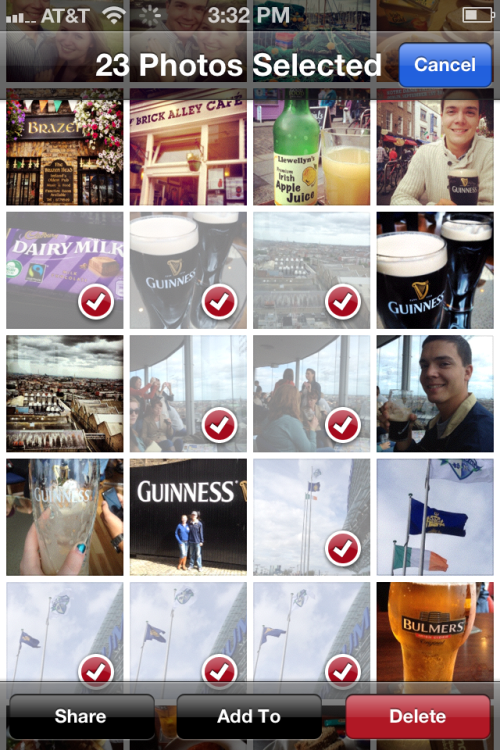
Photos || Delete unnecessary photos. The best way to do this is not to click on camera roll but to go to photos. Edit and select the photos you want to delete. I went through what was 1,000+ photos and narrowed them down to 484.

Texts || Mine range back to 2010 and have never been cleared. I'd wipe the whole slate clean.

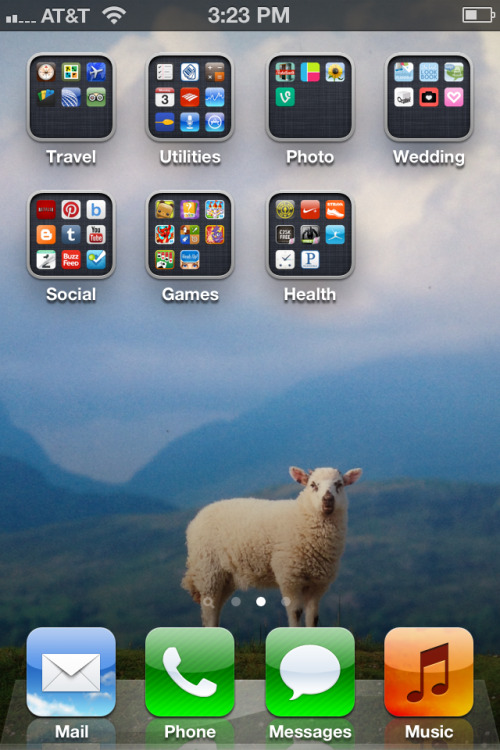
Apps || Go through and delete the apps you don't need and update the apps you're keeping (plug it in if you have to.) Organize apps into folders. Put games with games, all social media in a social folder, and fitness and health in their own folder and so on.

Notes || Have any old grocery notes? Reminders? Random ideas? Delete them. I keep a few lists for travel ideas, movies I'd like to see, restaurants I've eaten at, blog post ideas, and my favorite books and what I'd like to read.

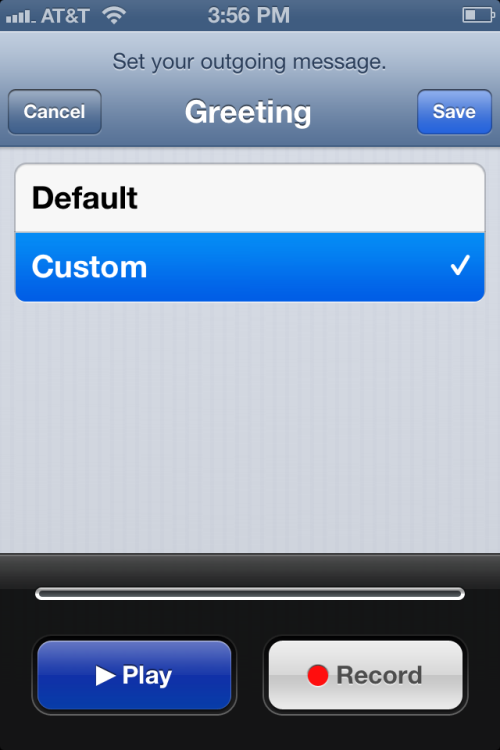
Voicemail || Record a new voicemail. For about a year I've had the default greeting so I thought I'd make the change. "You've reached Shannon Kirby. I'm not able to answer my phone right now, but leave a message and I'll call you right back." Also delete old messages and recent and sent calls.

Contacts || See any names you don't recognize? Placeholders that don't make sense (I have in here "Some British Guy") See people you knew from middle or high school that you sure don't talk to anymore? Ex-boyfriends? Delete them. Once you have the ones you want to keep put them into groups.

I hope that these tips help you have a much more organized phone with lots more space for photos and music!
 photo signature_zps424e0a05.jpg

Tuesday, August 14, 2012

iPhone Cases

I've been told that I'm not allowed to say that I am "clumsy." However, I will admit that I am a little oblivious to the world around me and am therefore prone to crashing or dropping things. My phone is subject to most of the abuse since I've had to repair the screen twice this summer I'm thinking it's high time I replace the case I have (although cute  as it is) with something a little more practical and durable. But hey, I still want it to look a little chic. So the search begins.


1. Tech Candy // Barcelona (3-Piece Set)
2. Phantom // Aqua/White
3. Lilly Pulitzer // Chum Bucket
4. Case Mate //  Tough - Union Jack
5. Kate Spade // Airmail
6. Incipio // Stowaway 

Edit: I went with #2. It's not as cute as the rest (especially the Kate Spade one,) but I will try to possibly decorate it.

Shannon

Friday, April 6, 2012

Draw Something

So I might be a little bit obsessed with Draw Something.  Just a little, but so is everyone else out there. I mean, it's just a glorified game of pictionary with anyone on the go. I really get into it though and love seeing the same amount of zest in other peoples drawings and having to guess them. Here's a few of the weird things I've drawn.


So...you should play me in Draw Something and send me weird drawings too.

Shannon

Sunday, March 25, 2012

iPhone Apps

I've noticed a few of my friends have turned to iPhones and iPads recently and I thought I'd share a few apps I have and love thus far.

Shazam
This is great for when you hear a song on the radio and want to know what it is. You just hit the button and tag the song and it'll tell you immediately.

Instagram
I only really got into this recently (I was really into Hipstamatic before) and I love it. It lets me send the pictures online straight away and have them in fun designs that aren't to cheesy picnic-like.

Temple Run
Everyone seems to be obsessed with this. I began playing it this weekend with my cousin Brian and it's pretty addictive. I'm not good, but I like jumping for coins.

Heytell
Heytell is basically a walky-talky for your phone. You send speech texts to friends instead of having to text. Definitely use this if you don't have unlimited texting or if you need to say something that you just can't explain in a text.


IMDB
I find I use this app a lot. I'm always pulling this out when I see a movie to check if I have seen an actor before in another movie or if I want to know trivia about the movie.

Draw Something
This always keeps me busy. A game of Pictionary against anyone else in the facebook world. 

Remember you can also make this blog a shortcut link app on your phone or iPad.

P.S. Follow this blog on the side even if you don't have a blog, you can follow by e-mail.

Shannon

Saturday, March 24, 2012

Blog Lovin'

I follow a ton of blogs on the blogosphere from the fashionistas of almost every capital and even a few blogger friends I know. The best way to keep up to date with each post is with Blog Lovin'!

Blog Lovin' is a site that compiles all your favorite blogs into one place where you can check up on all your blogs and news. They also send the posts out by e-mail too.

This video explains how Blog Lovin' works!


Go check out the site and follow Shenanigans Rose via bloglovin.

Shannon

Saturday, January 28, 2012

Laptop Bags

Sometimes I just like to look at shops. I don't technically want to buy them I'm just online window shopping. What's even better is when you get to window shop for a friend. I've been heading around the internet to find a good laptop sleeve for my friend Aileen's computer. Her computer has a couple missing keys and needs to be saved in a cute bag like one of these.
This pattern is fun, and perfectly geometrical and "tech"-like.
I love satchels, I found a bunch but I thought I'd just share this neon pink bag since it's crazy. There's more on Modcloth in different sizes and colors too. I don't think a bag like this could be lost easily.


This is cute, and has a nice calm Paris pattern. It's not too overwhelming.

I'm not a big Juicy Couture fan, but I do love silver sparkles.


I'm not sure whether I like the green-white color scheme, the little button clasp, or the ikat demask pattern better.

So Nautical. Love the rope connector.


Birds. Who doesn't love a good bird laptop bag?
This makes me think of scholarly elbow patches and therefore I approve of it.

And of course the Vera Bradley option. Matching the ID wristlet is always a good choice.

Shannon

Wednesday, December 28, 2011

iPhone Cases

My cousin, Kacie, was asking me the other day about cute cases when she saw mine and I realized I knew a couple sites for her, but I'd love to share with everyone. Mine is a cute Marley Lilly case almost identical to the College Prepster's.

So for all of you that got a new iPhone (or Droid) for Christmas or Hanukkah here are some interesting sites to get cute cases like the one I have.

I got my phone from here and I absolutely love it. I certainly get a lot of compliments on it. There are many different patterns, color options, and even the chance to monogram.

This offers more or less the same designs as Marley Lilly as well as the monogramming option. This has a better design though if you're looking to write your full name out.

Each of these cases is adorable and unique and I'd love to see them on every phone.

Ah, I love Lifeguard Press. They have Dylan's Candy Bar, Jonathan Adler, and Lilly Pulitzer cases to choose from. I almost got one of the Lilly ones actually.

Shannon